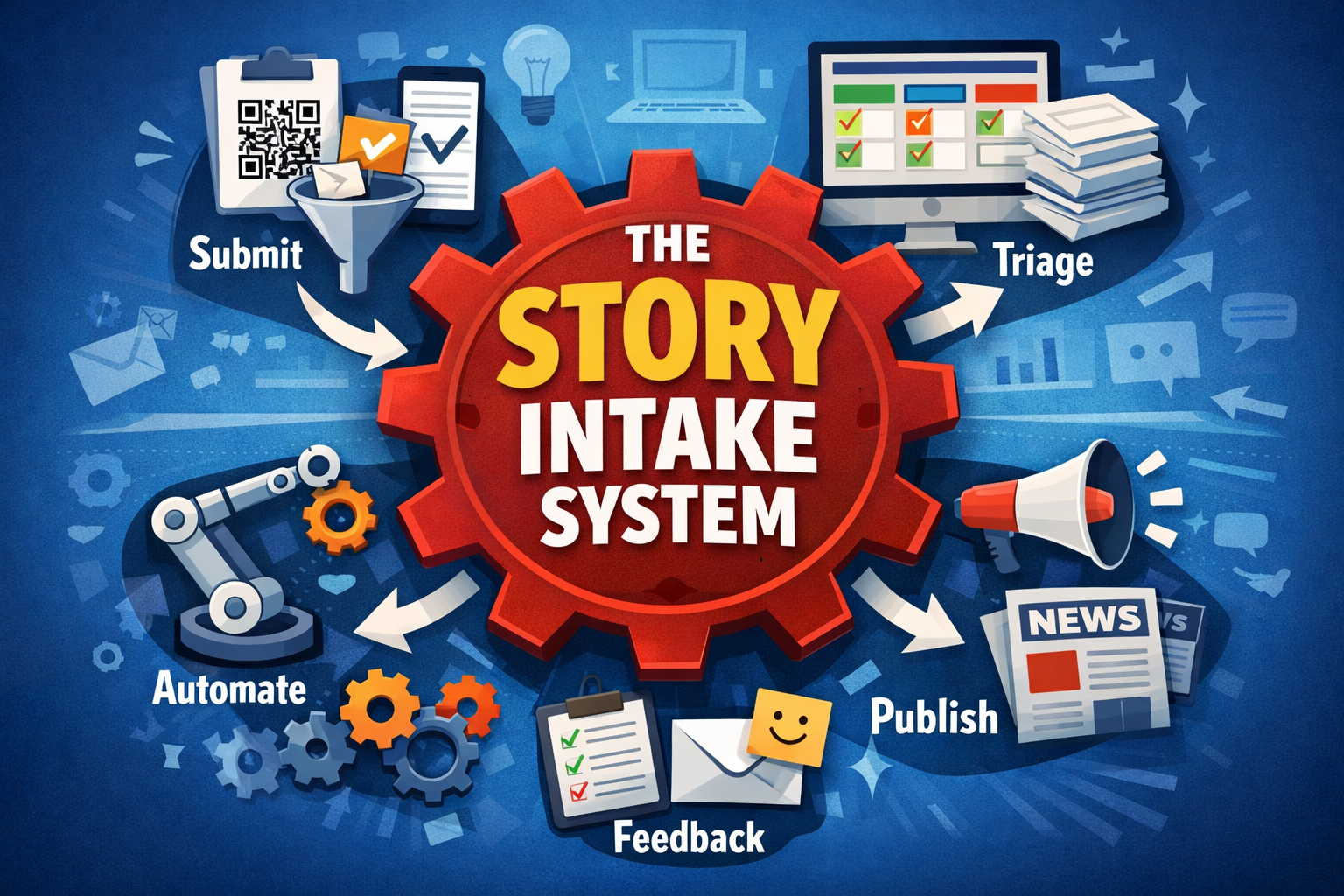
The Story Intake Problem (and the Low-Cost Tech Stack That Fixes It)
I started a new role in January leading communications for the College of Education, Sport, and Human Sciences at Washington State University. When I got there, it was clear to me the College didn’t have a dearth of stories they could tell, they just didn’t have a great mechanism for collecting and eventually publishing those stories. It got me thinking…
Every comms team eventually runs into the same wall:
Leaders: “We need more stories.”
Comms: “Great. Where are they?”
Everyone else: “Please don’t send me another form.”
That’s the Story Intake Problem — and it’s why so much great work never makes it to the web, social, or donors.
The issue isn’t that people don’t have stories.
It’s that most systems are designed like a bureaucratic obstacle course.
The fix: low friction in → high impact out
The best story pipelines work because they require almost nothing from busy people — and still produce consistent, high-quality content.
The formula:
Make intake effortless. Make output inevitable.
Here’s what that looks like using tools that are free, freemium, or cheap enough to expense without pain.
The “Story Intake Stack” (freemium → low cost)
1) Capture: make submission brain-dead simple
Your goal is a 2-minute “spark submission.”
Best tools:
Microsoft Forms / Google Forms (free): perfect for a lightweight story trigger
Typeform (paid-ish): more polished if you want it to feel “premium”
QR code on posters, email signatures, and Teams channels that drops people into the form instantly
Intake questions should be dead simple:
Who / What / Why it matters / Who can we contact?
2) Store + organize: one place where stories live
This is where story systems usually fail: stories end up in email chains and Slack threads… aka the graveyard.
Best tools:
Airtable (freemium): best balance of simple + powerful
Notion (free/low cost): great for story “wiki” + draft workflows
Trello (free): easiest “kanban board” approach
Google Sheets / Excel Online (free): yes, it can work if it’s structured well
The key isn’t the tool. It’s the rule:
If it isn’t in the hub, it doesn’t exist.
3) Triage + workflow: turn intake into momentum
You need a simple status pipeline:
New → Needs follow-up → Approved → Drafting → Scheduled → Published
Best tools:
Airtable automations (included): assign owners, move stages, ping people
Zapier (freemium) or Make.com (often cheaper): automate the boring stuff
Microsoft Power Automate (often included): if your world is Teams + Outlook
Example automation:
Form submission → creates Airtable record → sends Teams message to comms channel → assigns writer
Now your system runs without you babysitting it.
4) Packaging: make “one story” become five assets
This is where AI earns its keep.
Best tools:
ChatGPT (Plus is worth it if you do this weekly)
Copilot (if you’re Microsoft-native)
Canva (free/Pro): templates for social visuals and story cards
Pro tip: build a prompt/template:
web blurb (150 words)
3 social variants
subject line
donor angle
media pitch angle
That’s not “making more content.”
That’s multiplying one story into an entire campaign.
5) Close the loop: the secret to getting more submissions
People stop submitting stories when they think they vanished.
Best tools:
Mailchimp (free tier): monthly “story wins” update
Teams channel: “Published this week” recap
Simple dashboard view in Airtable: “Submitted → Published”
That’s how you build culture.
The truth
A story intake system doesn’t work because it’s clever.
It works because it’s easy, visible, and reliable.
And when staff realize they can submit something in 2 minutes… and see it turned into a real story?
You’ll never have to beg for stories again.